Learn
Everything you need to get going.
Simply Finance is deliberately simple, so learning it is quick. Start with the ten-minute setup, then dip into whichever guide answers your question. No bank login, no account, no methodology to master first.
Guides
Getting started with Simply Finance
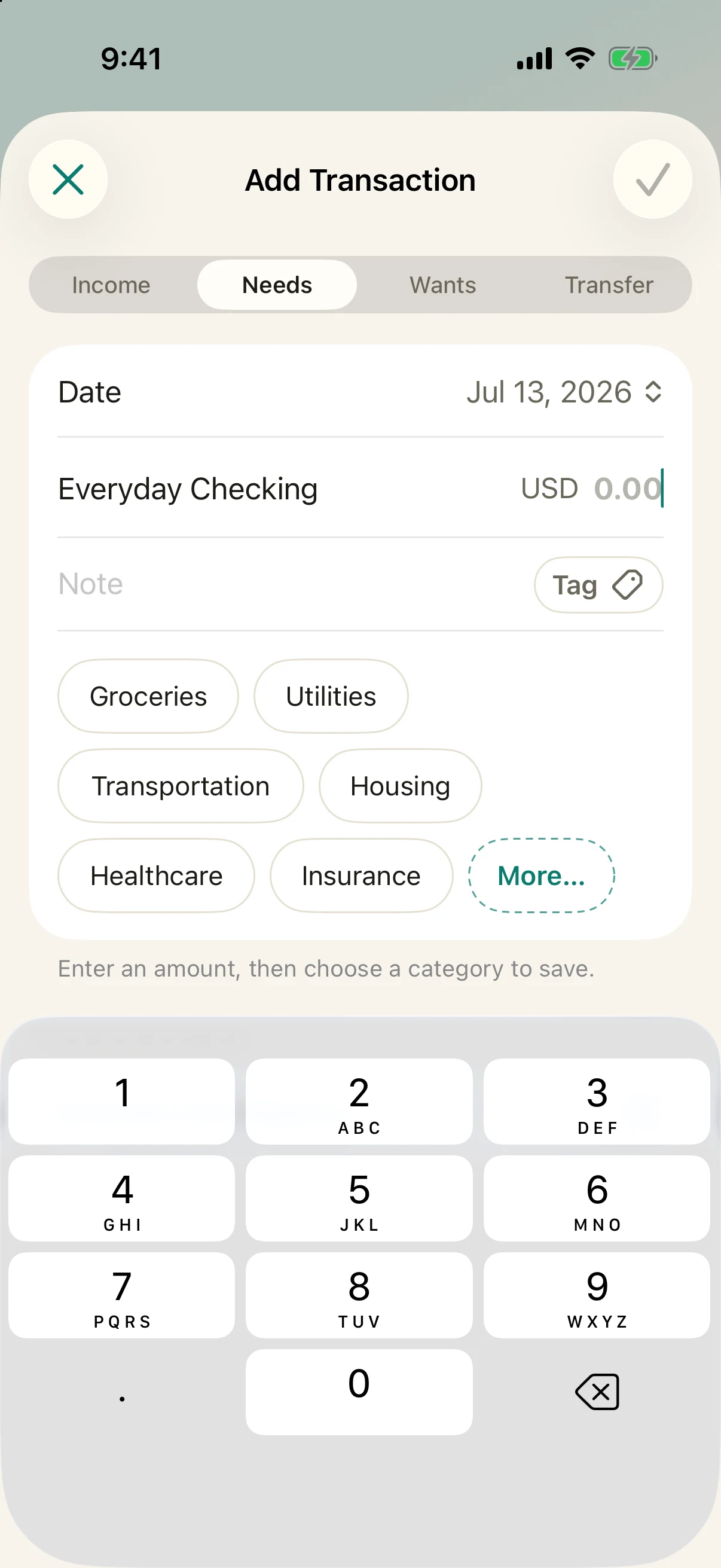
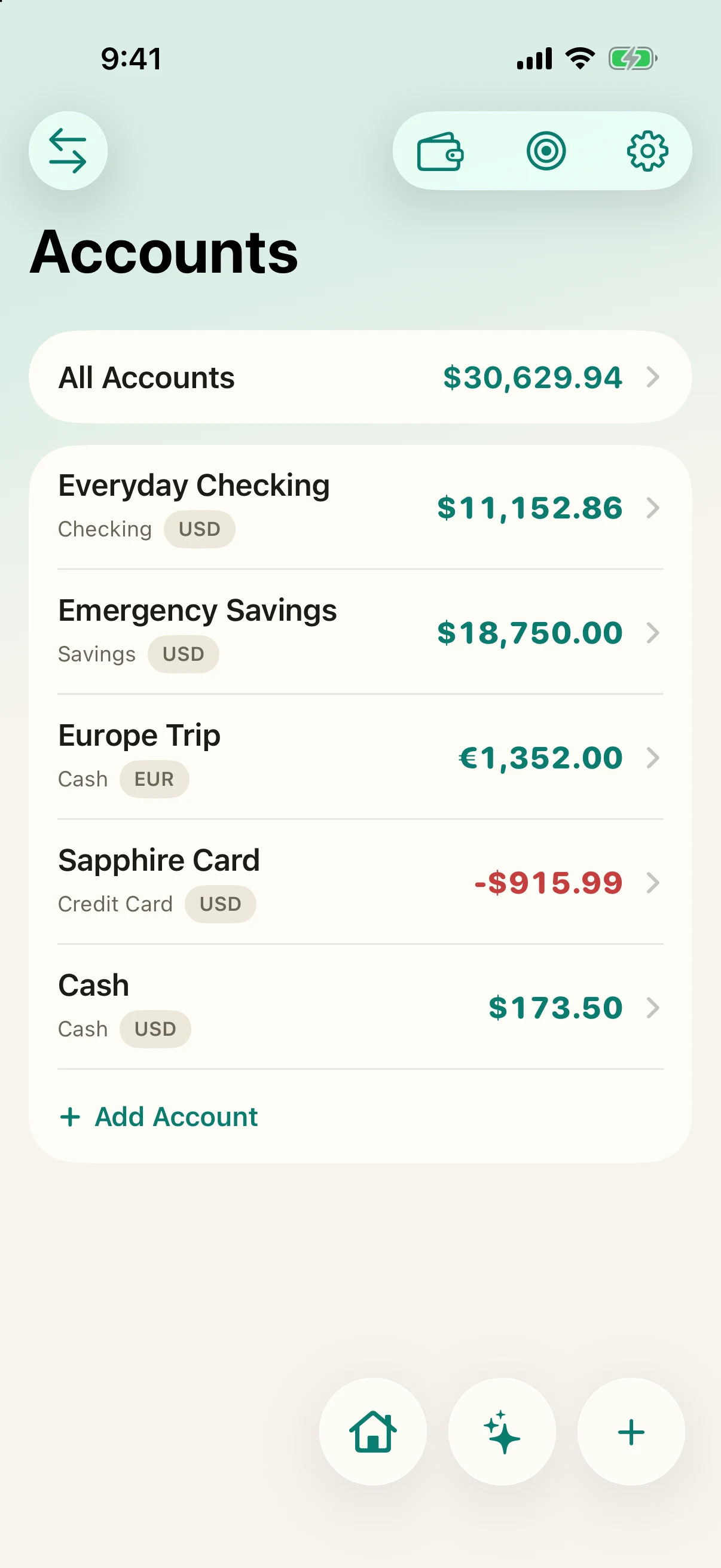
Install, add your accounts, set a couple of budgets, and log your first transaction — the whole setup in about ten minutes.
Read the guide →BudgetsSet up budgets that stick
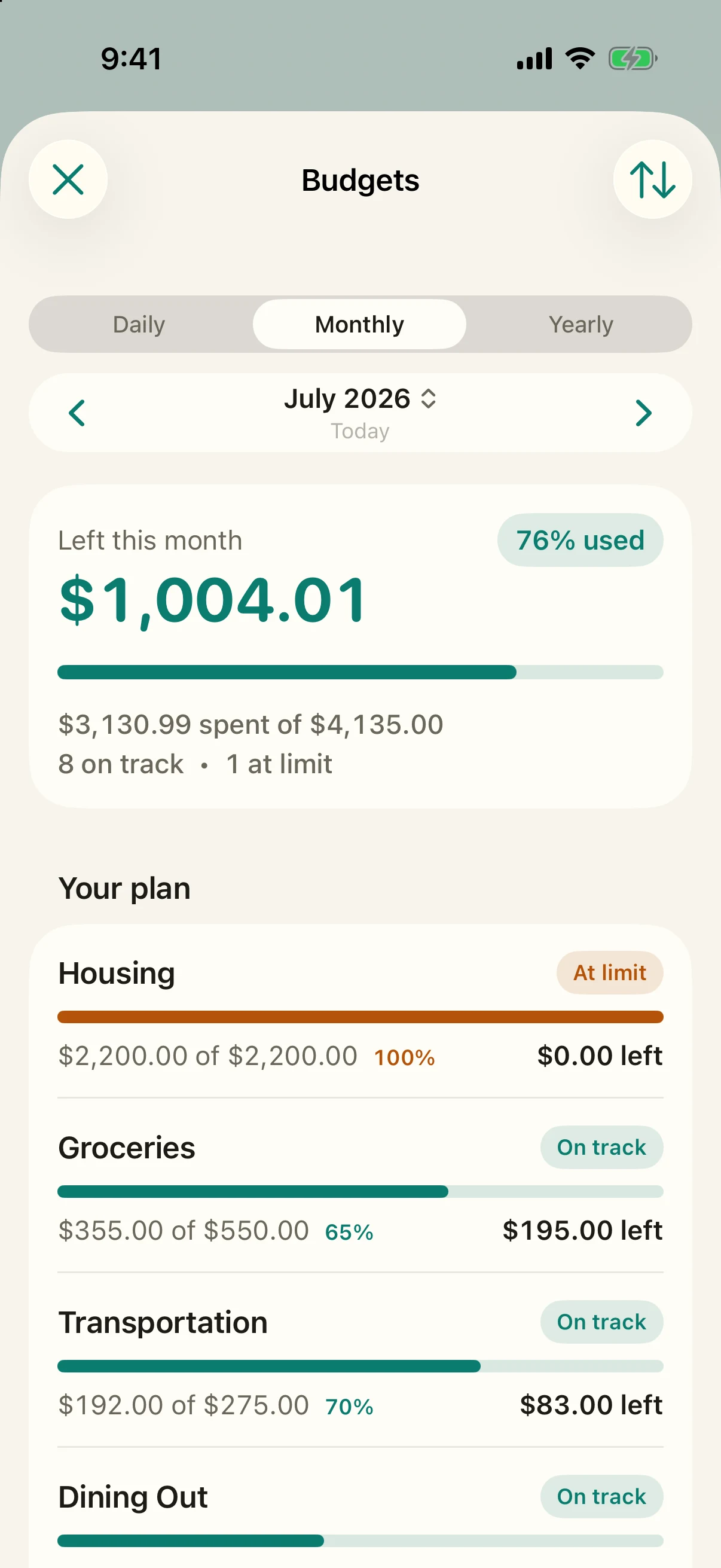
How per-category monthly budgets work — spent, remaining, and over at a glance — with no envelope method to learn.
Read the guide →Everyday useLog spending and track recurring bills
Record a transaction in three seconds, and keep subscriptions and bills on a leash so nothing surprises you.
Read the guide →The answersFinancial Runway and Future Sight
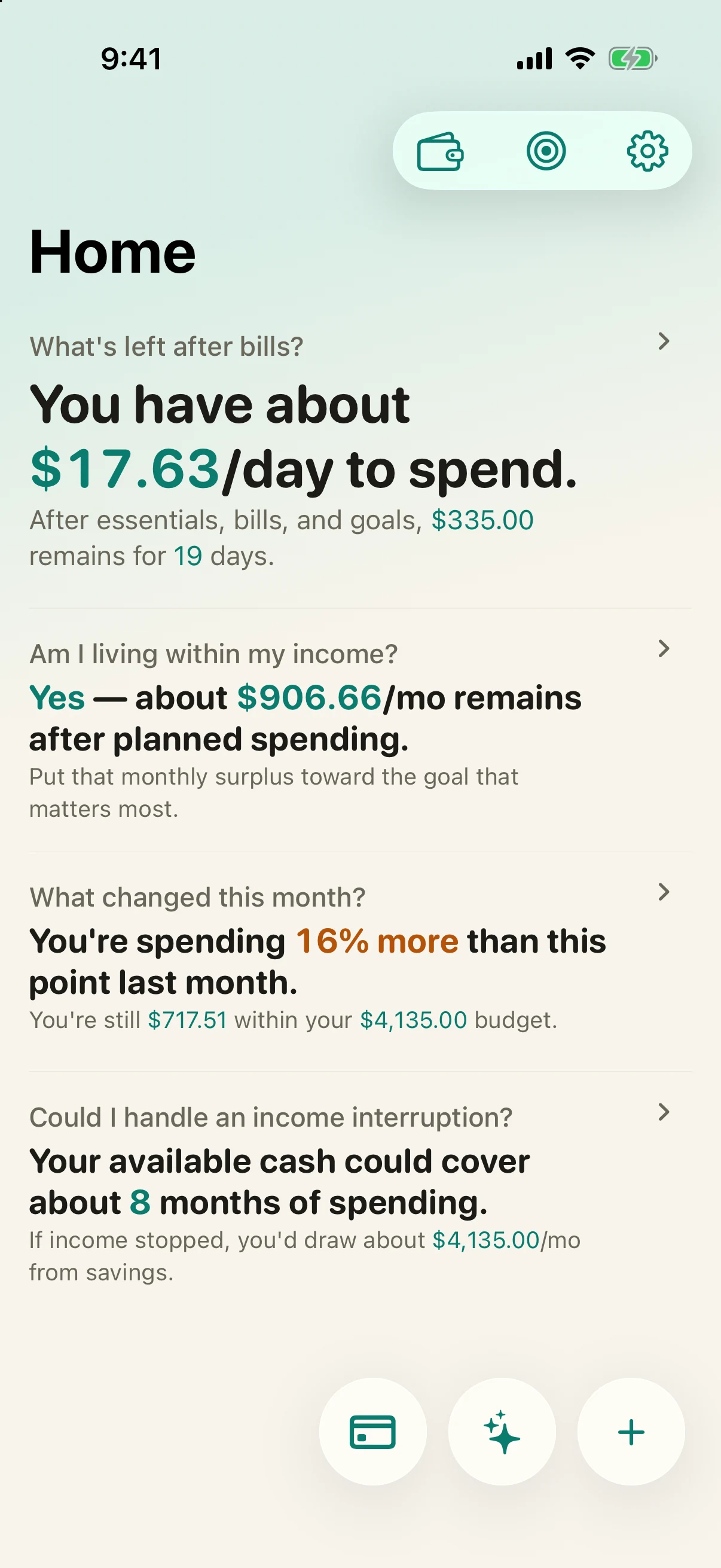
The two forward-looking numbers that lower money anxiety: how long your money lasts, and where your balance is heading.
Read the guide →Sync & privacySync across devices, privately
Turn on end-to-end encrypted sync between your iPhone and Android, and understand exactly what leaves your device (almost nothing).
Read the guide →Self-hostingHost your own sync server on Cloudflare
Run the encrypted relay on your own Cloudflare Workers, D1, and R2 — five commands, wallet-safe by design, still end-to-end encrypted.
Read the guide →The modelWhy there is no subscription
What free-to-use and a one-time unlock mean for you — and why an app that tracks your bills should never become one of them.
Read more →Still deciding?
If you are weighing Simply Finance against another app, these side-by-side comparisons lay out the trade-offs honestly.